Data Cleansing
Data Cleansing is defined to provide the ability to modify the data content of a pandas dataframe.
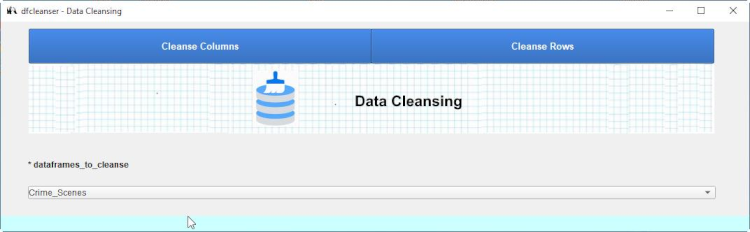
Cleanse Columns
Cleanse Columns is defined to provide the ability to modify the data content of a pandas column.
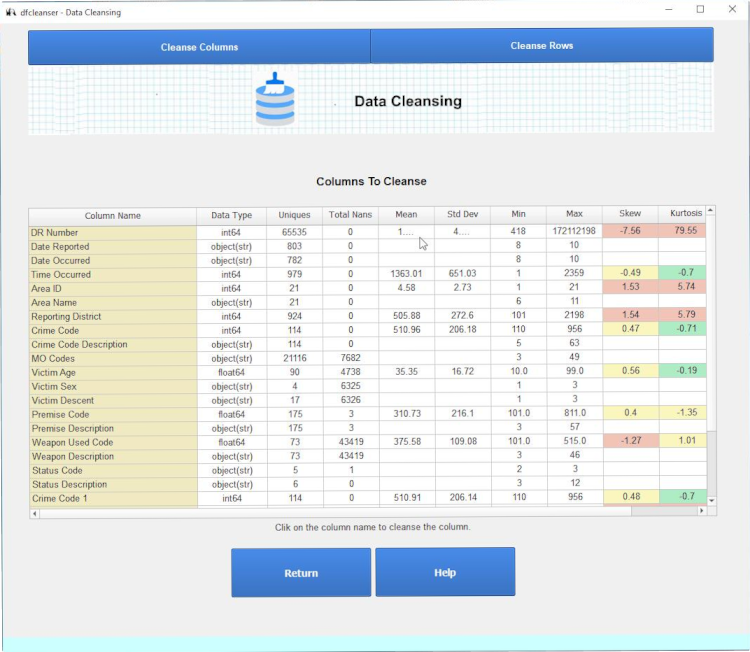
Select a column to cleanse by clicking on the 'Column Name' column.
Cleanse Numeric Column
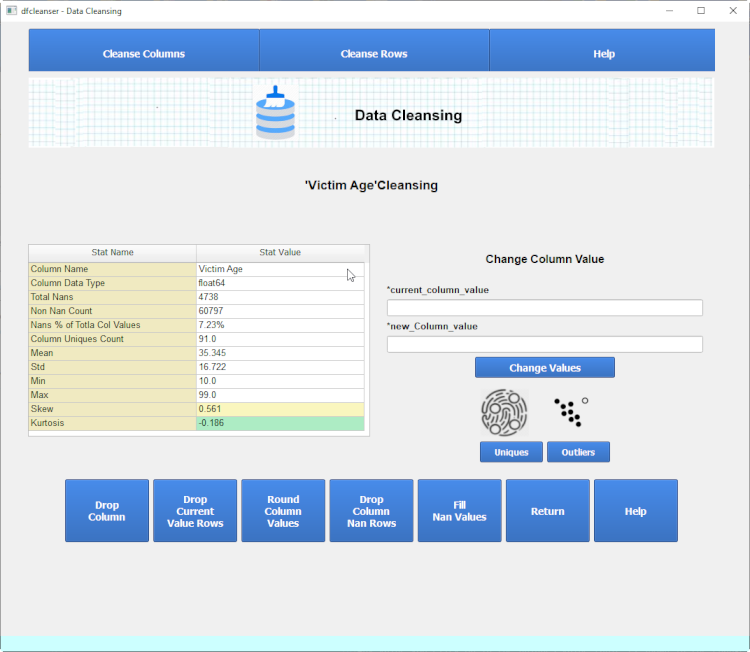
You can now perform various operations on the data content of the column selected.
Column Unique Values
You can view the column unique values by clicking on the 'Display Column Uniques' icon.
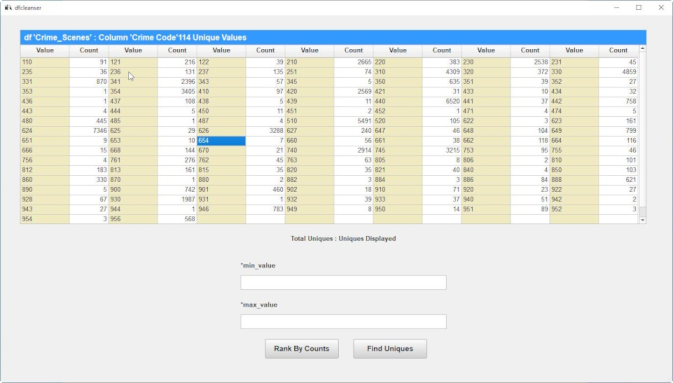
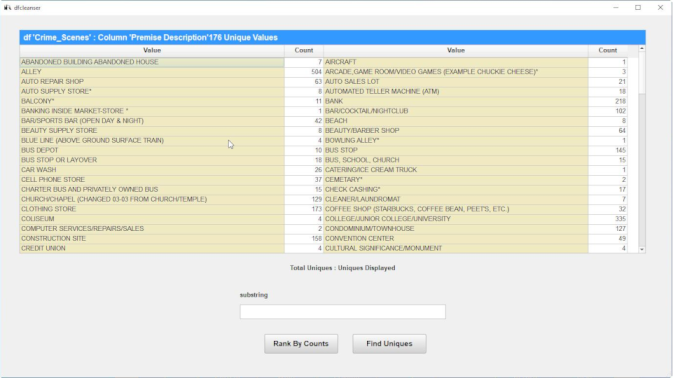
You can view various subsets of unique values by setting the 'min value' and 'max value' and clicking on the 'Find Uniques' button.
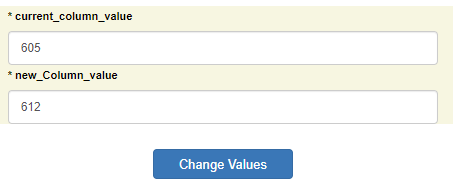
Any value you click on in the uniques value table is shown in the change values form.
Column Outlierss
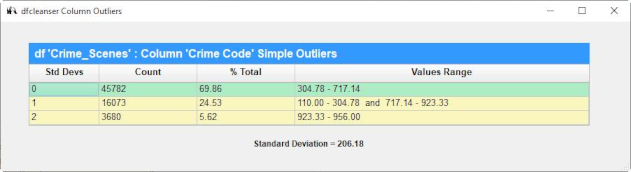
You can view outliers for a column via clicking on the 'Display Column Outliers' icon.
Change Values
You can change values in the column via the 'Change Values' form.
Drop Column
You can change drop the column from the dataframe via clicking on the 'Drop Column' button.
Drop Current Value Rows
You can change drop all rows containing the 'Current Value' value via clicking on the 'Drop Current Value Rows' button.
Change Data Type
You can change yje column data type via clicking on the 'Change Data Type' button.
Cleanse Float Numeric Column
When cleansing a float column extra commands to round the column is provided.
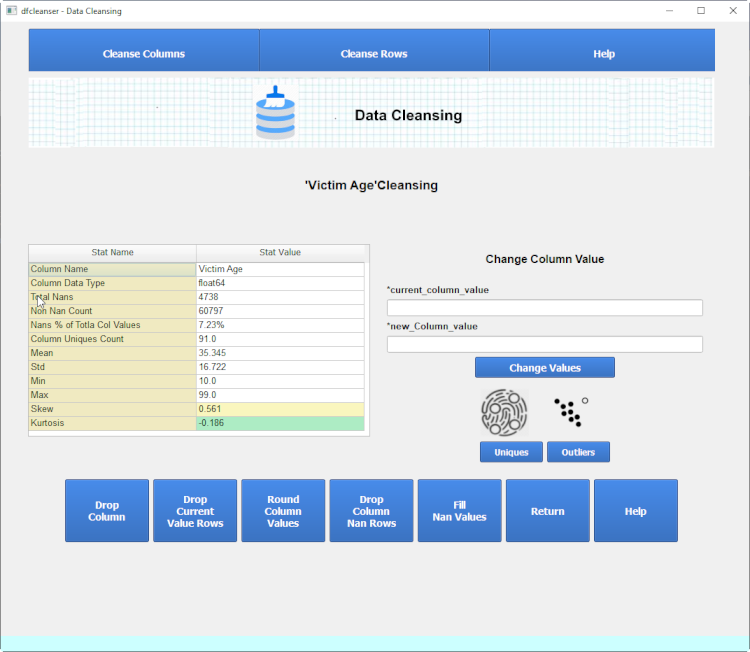
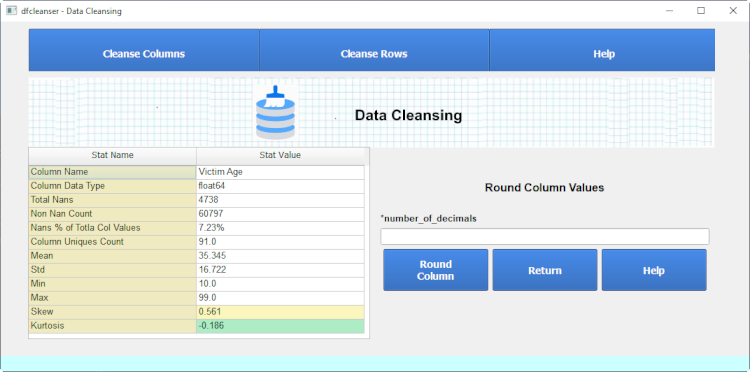
Round Column Values
You can round values in the column via the 'Round Column' form.
Cleanse Column With Nans
When cleansing column with nans extra commands are provided.
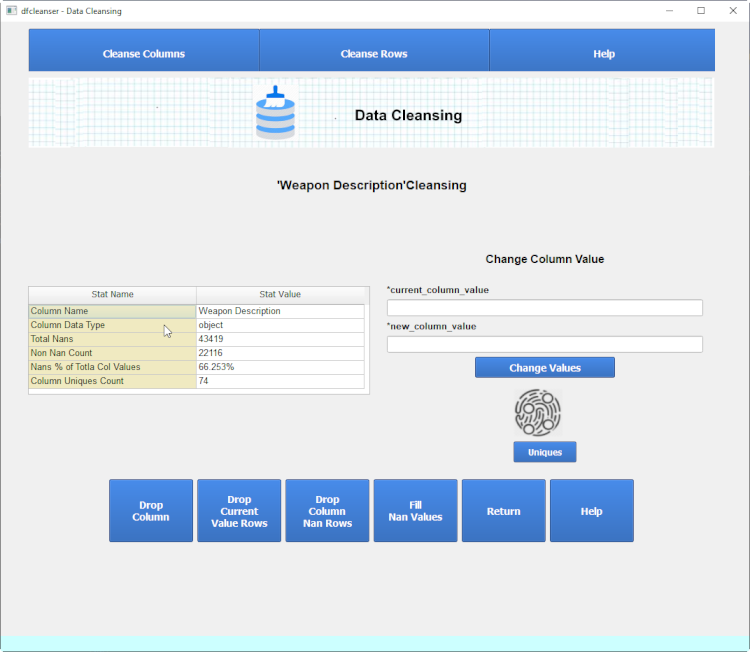
Drop Column Nan Rows
You can drop any row containing a nan for the selecyed via the 'Drop Column Nan Rows' button.
Fill Nan Values
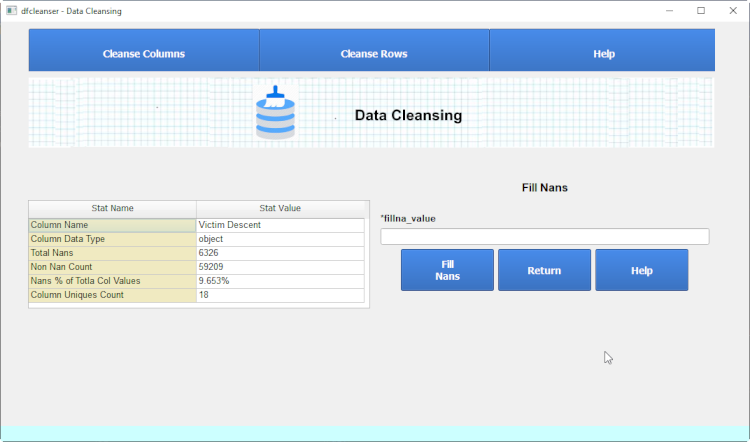
You can change nan values in the column via the 'Fill Nan Values' form.
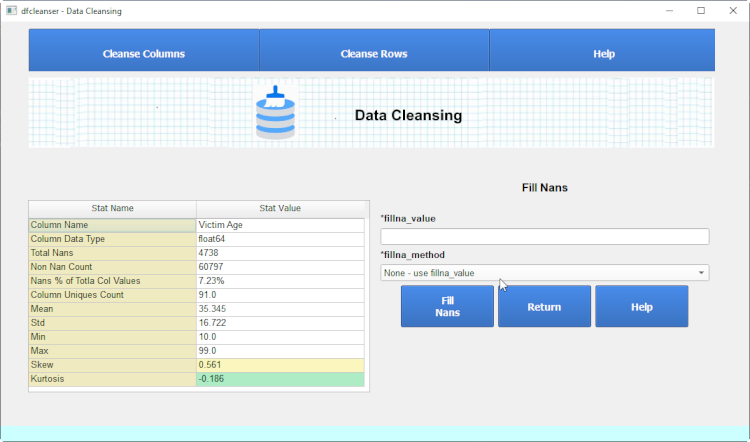
You can change nan values in the non-numeric column via the 'Fill Nan Values' form.
Cleanse Non Numeric Column
You can now perform various operations on the data content of the column selected.
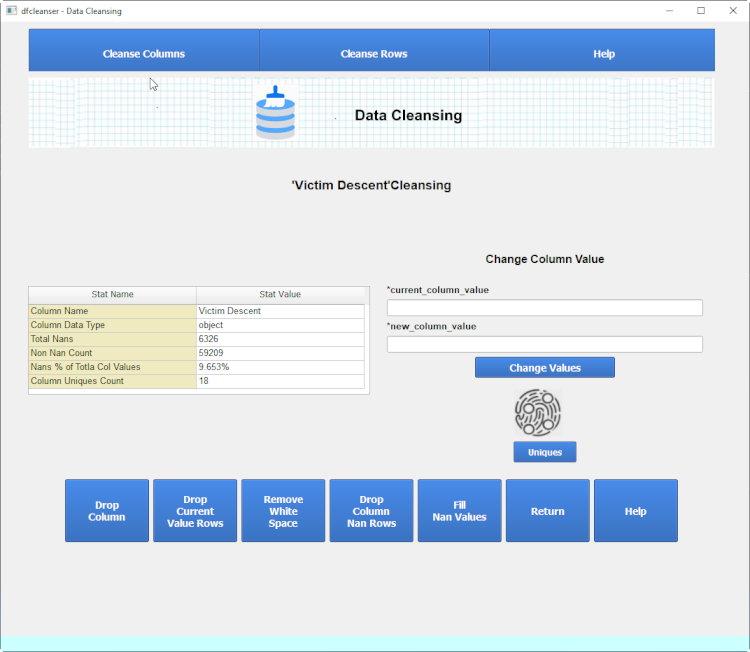
When cleansing a non numeric column extra commands to clear whitespace is provided.
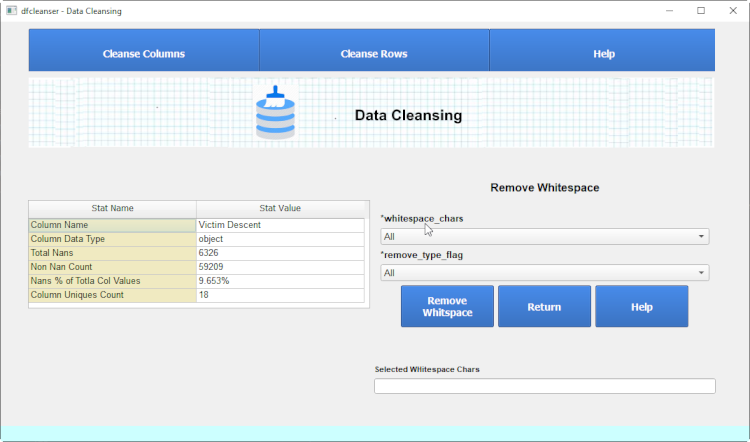
Remove White Space
You can remove whitespace in a column via the 'Remove White Space' form.
Cleanse Category Column
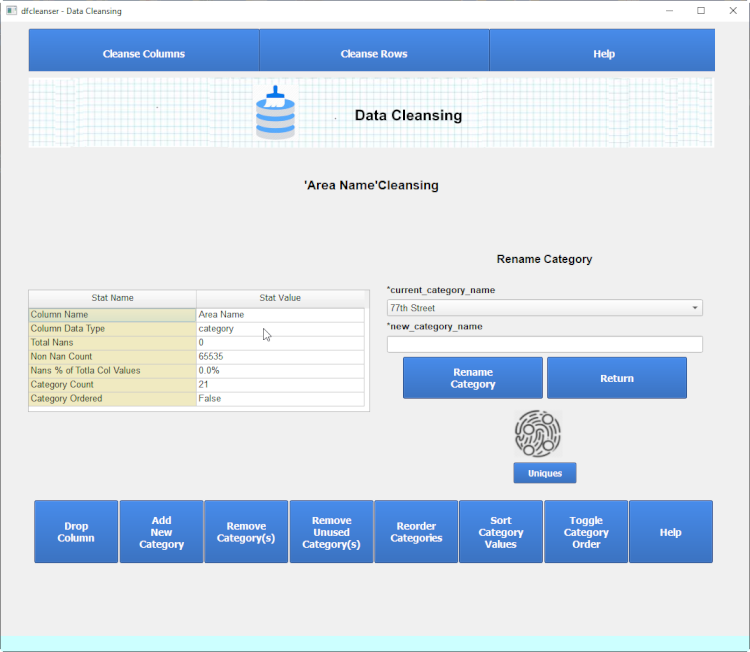
When cleansing a category column extra commands are provided.
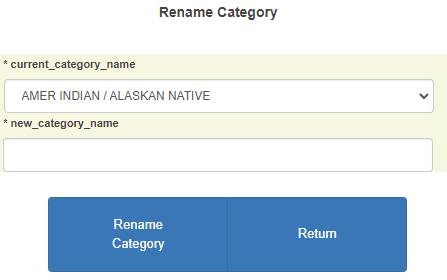
Rename Category
You can rename any current category via the 'Rename Category' form.
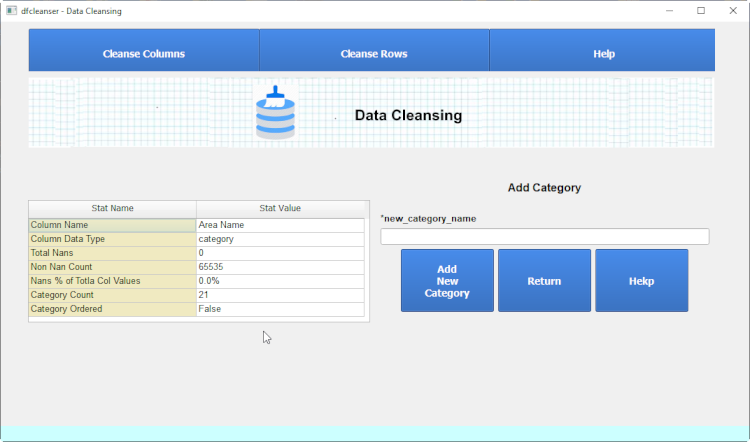
Add New Category
You can add a new category via the 'Add New Category' form.
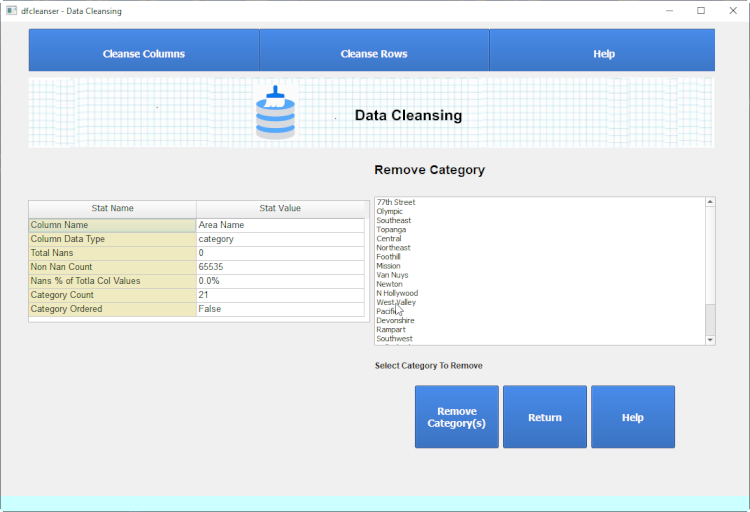
Remove categories
You can remove category via the 'Remove categories' form.
Remove Unused Categories
You can remove unused categories via the 'Remove Unused Categories' button.
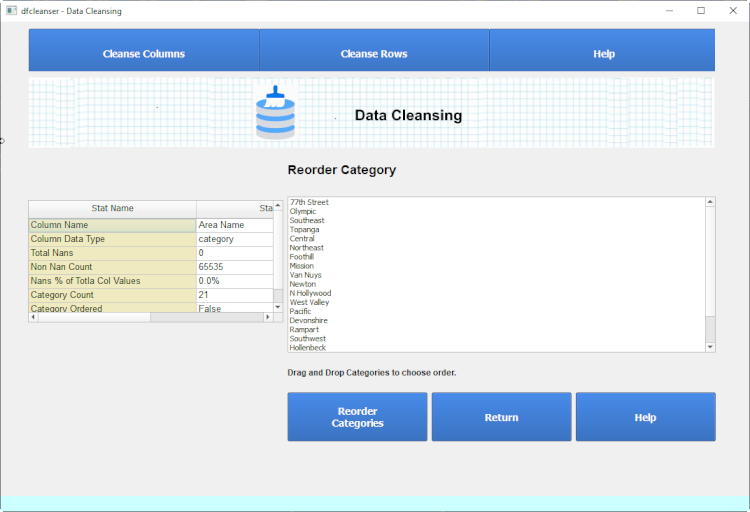
Reorder categories
You can reorder categories via the 'Reorder categories' form.
Sort Category Values
You can sort category values via the 'Sort Category Values' button.
Toggle Category Order
You can toggle categories order via the 'Toggle categories' form.
Cleanse Rows
Cleanse Rows is defined to provide the ability to modify the data content of a pandas row.
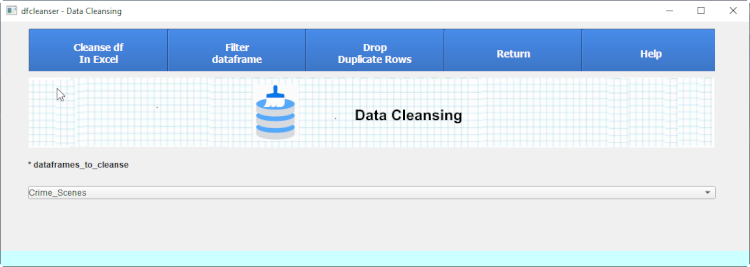
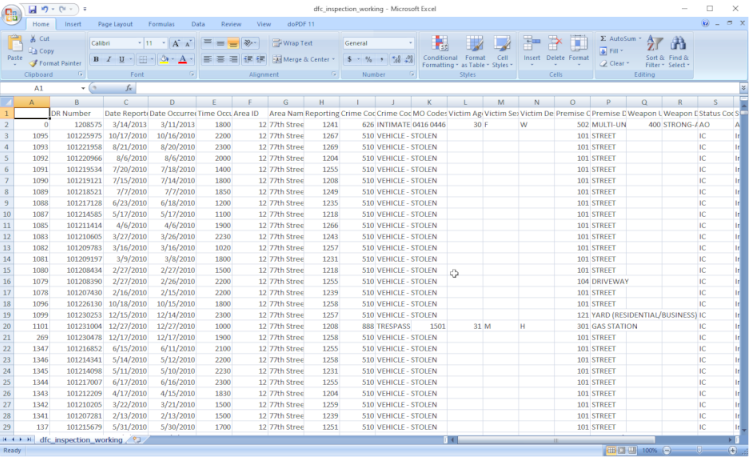
Cleanse df in Excel
You can edit values in the dataframe in excel and commit changes.
Filter Dataframe
You can build a new df from a subset of the current df via the 'Filter Dataframe' form.
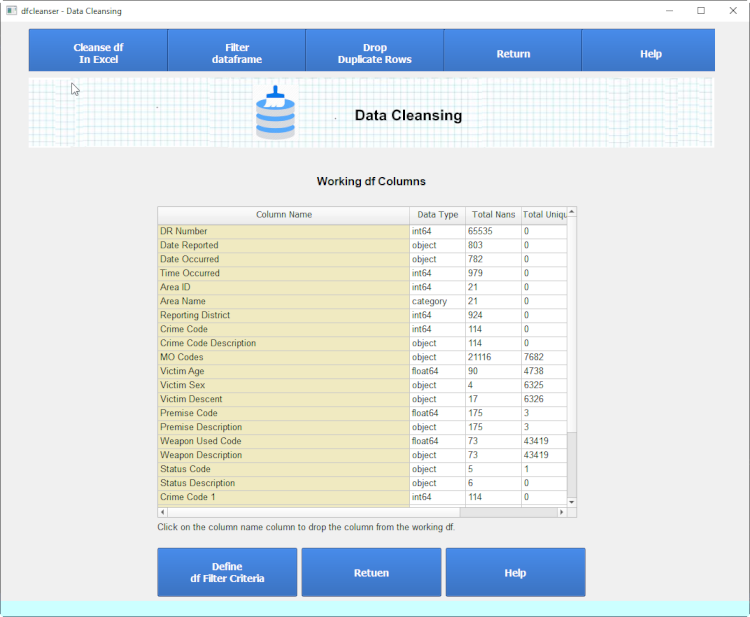
Define Filter Columns
The first step in defining a new subset df is defining the columns to include in new df.
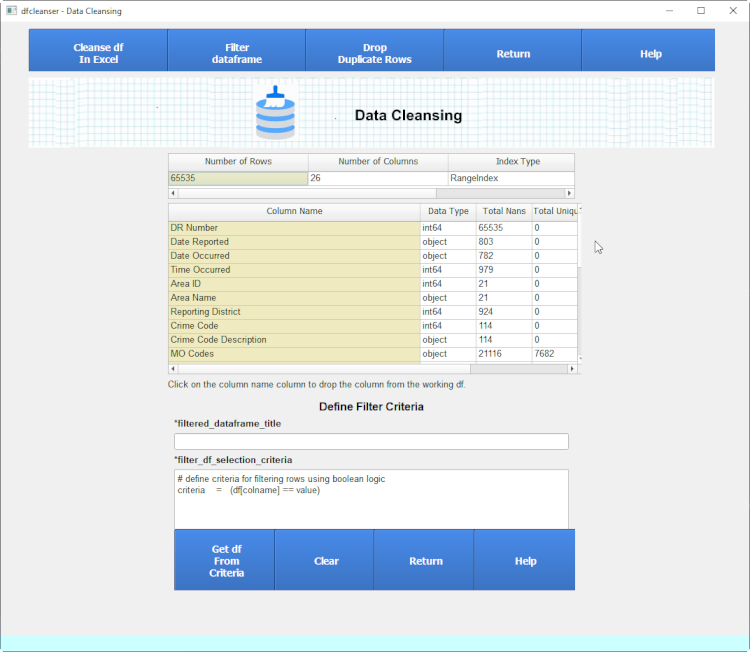
Define Filter Criteria
The second step in defining a new subset df is defining the criteria for which rows to include.
Run Filter Criteria
You can define criteria via python function.
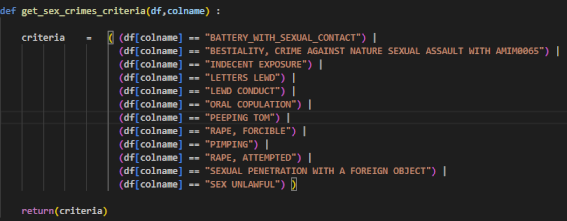
After running the criteria a new 'Filtered_df' is generated.
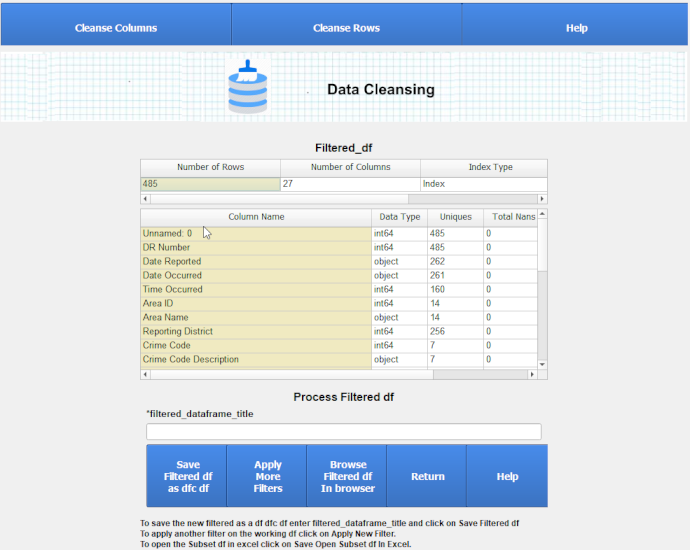
Apply More Filters
You can define another criteria and run it against the Filtered_df.
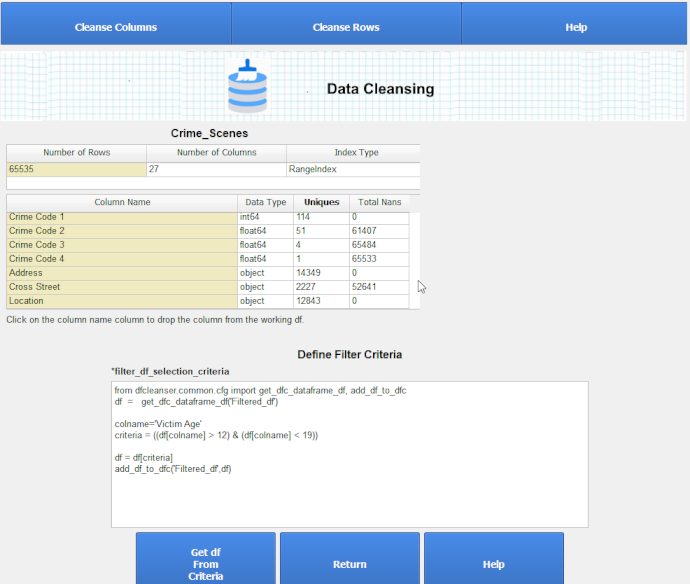
After running the criteria a new 'Filtered_df' is generated.
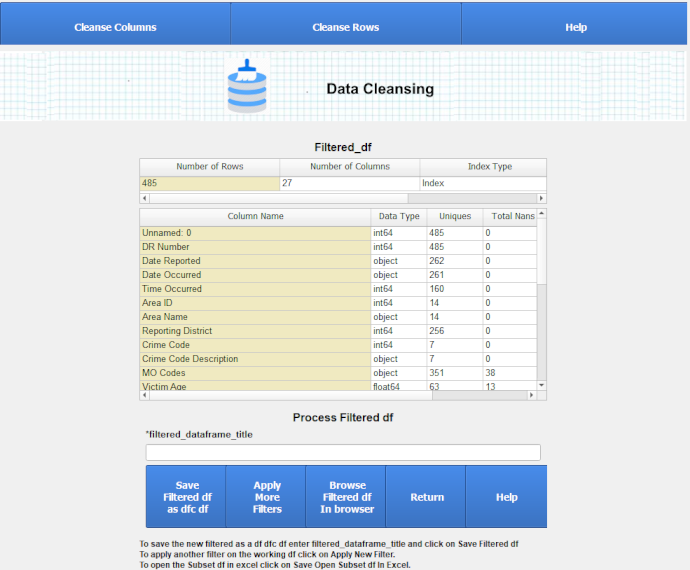
Save Filtered df as dfc df
The final step in defining a new subset df is saving the current Filtered_df.

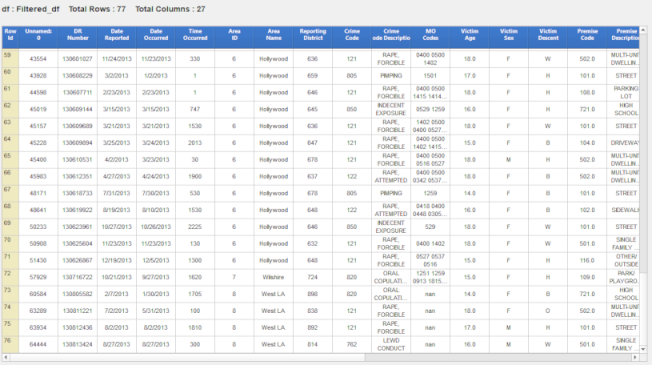
You can browse the new Filtered_df.
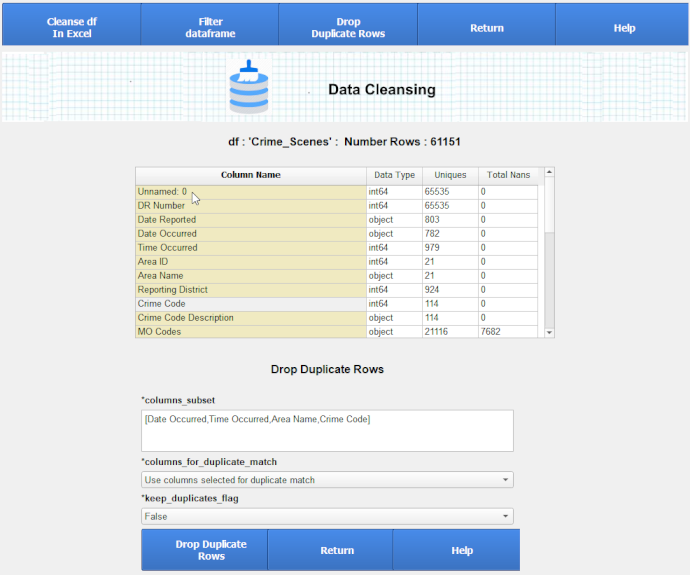
Drop Duplicate Rows
You can drop duplicate rows in a df.
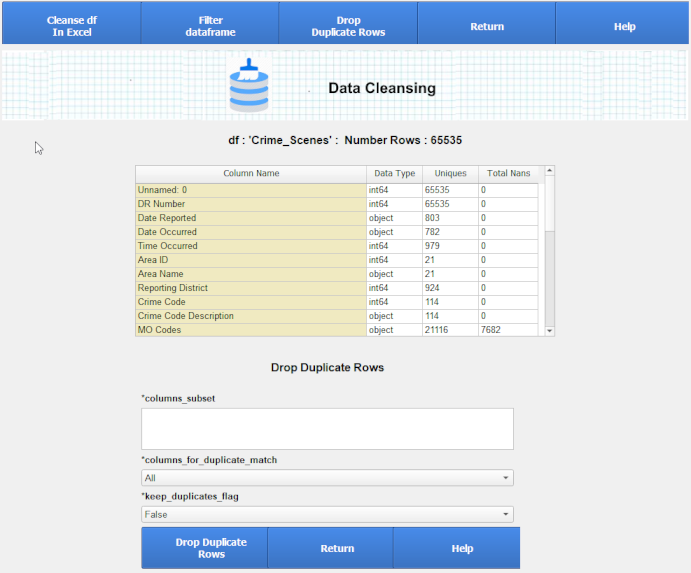
After dropping duplkicate rows you can run again or return.